
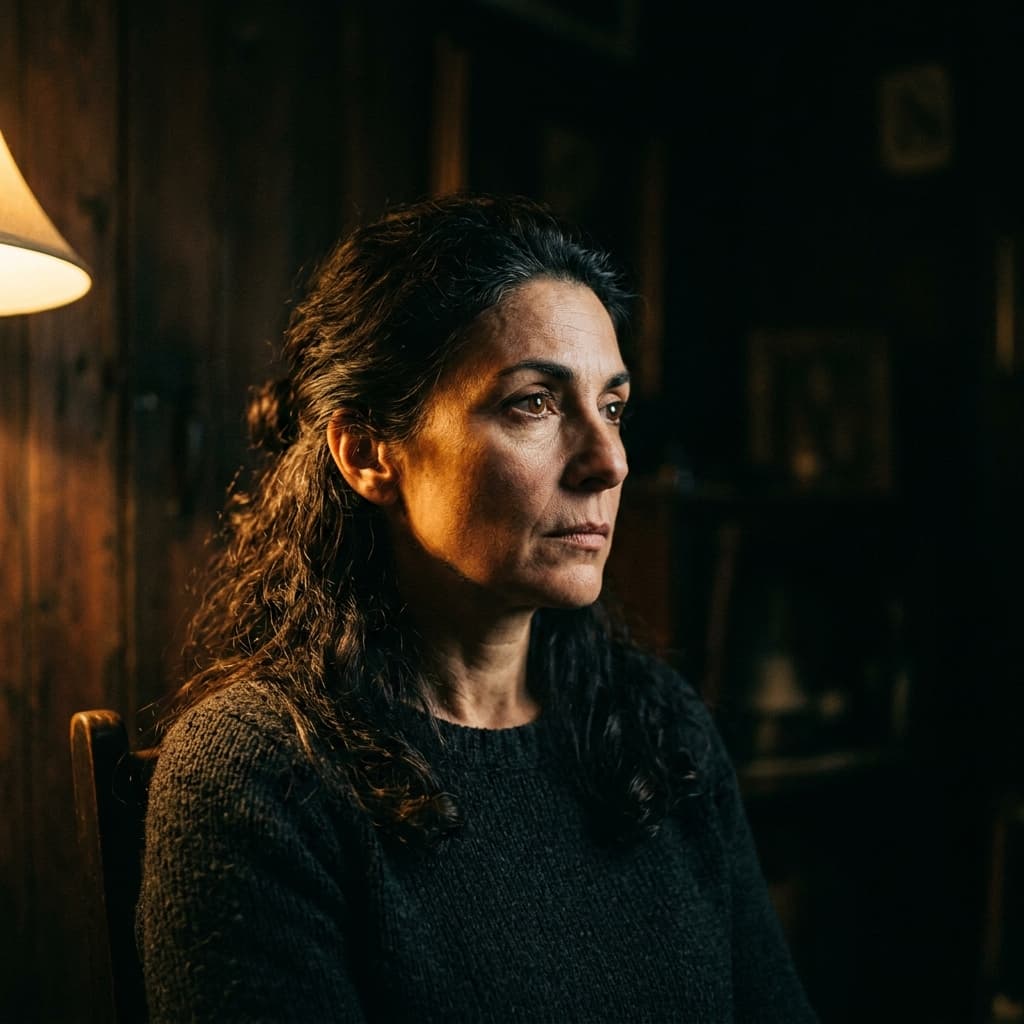
20 Cinematic Portrait Prompts for Midjourney v7
Why Cinematic Portraits Stand Out
TL;DR: To generate cinematic portraits in Midjourney v7, use specific lighting keywords (like Rembrandt lighting or split neon) combined with camera syntax (
85mm f/1.4, Kodak Portra color science) and the--style raw --v 7parameters. Below are 20 tested, copy-pasteable prompt recipes categorized by mood and lighting setup.
Cinematic portraits use the language of film - directional light, shallow depth of field, muted color palettes - to create images that feel like stills from a movie. Midjourney v7 handles this style exceptionally well when you give it specific lighting and mood keywords rather than generic adjectives like "beautiful" or "amazing."
Every prompt below has been tested across multiple seeds. Copy them as-is or swap the subject description to match your project.
Moody Side-Lighting
These prompts emphasize a single hard light source hitting the subject from a 90-degree angle, producing deep shadows on one side of the face.
Prompt 1 - The Noir Detective
Portrait of a man in a fedora, dramatic side lighting from a single window, deep shadows, film noir aesthetic, Kodak Portra 400 color science, 85mm lens, f/1.4, cinematic grain --ar 16:9 --style raw --v 7
Prompt 2 - Golden Rembrandt
Close-up portrait, Rembrandt lighting triangle on cheek, warm golden tones, dark umber background, Renaissance oil painting mood translated to photography, 105mm lens, shallow depth of field --ar 4:5 --style raw --v 7
Prompt 3 - Neon Split
Half-face portrait lit by cyan neon from the left and magenta neon from the right, pure black background, cyberpunk undertone, sharp catchlight in eyes, 50mm lens --ar 1:1 --style raw --v 7
Backlit & Silhouette
Backlighting creates halo effects and rim light that separates the subject from the background. These prompts push that to its most dramatic.
Prompt 4 - Golden Hour Halo
Portrait backlit by golden hour sun, hair glowing with rim light, lens flare, warm atmosphere, face slightly underexposed, shallow depth of field, shot on Canon EOS R5 with 85mm f/1.2 --ar 16:9 --v 7
Prompt 5 - Stage Smoke
Singer on stage, strong backlight through theatrical haze, volumetric light rays, silhouette with visible microphone, concert photography style, Fujifilm X-T5 color science --ar 16:9 --style raw --v 7
Desaturated Film Stock
Low-saturation palettes evoke classic cinema and editorial fashion photography.
Prompt 6 - Bleach Bypass
Portrait with bleach bypass processing, high contrast, desaturated colors with warm skin tone retained, gritty texture, environmental portrait in an old workshop, natural window light --ar 3:2 --style raw --v 7
Prompt 7 - Faded Polaroid
Candid portrait, faded Polaroid aesthetic, slightly overexposed highlights, muted greens and blues, warm amber shadows, 1970s film emulation, soft focus edges --ar 4:5 --v 7
Close-Up & Macro Detail
Extreme close-ups where skin texture, catchlights, and micro-expressions become the subject.
Prompt 8 - Eye Universe
Extreme macro of a human eye, galaxy reflected in the iris, individual eyelashes in sharp focus, surrounding skin slightly soft, studio ring light catchlight, hyperrealistic --ar 1:1 --style raw --v 7
Prompt 9 - Rain on Skin
Close-up portrait with water droplets on skin, studio lighting with beauty dish overhead, each droplet reflecting the light source, wet hair slicked back, editorial beauty photography --ar 4:5 --style raw --v 7
Prompt 10 - Freckle Map
Natural light portrait emphasizing freckles, minimal makeup, shot near a large window, soft diffused light, pale warm tones, 100mm macro lens, f/2.8, every freckle in sharp detail --ar 3:2 --v 7
Environmental & Storytelling
These prompts place the subject in a specific environment to tell a story.
Prompt 11 - Tokyo Midnight
Street portrait in Tokyo at night, neon signage reflections on wet pavement, subject in a dark coat looking back over shoulder, shallow depth of field, Blade Runner color palette, shot on Leica M11 --ar 16:9 --style raw --v 7
Prompt 12 - The Greenhouse
Portrait through greenhouse glass, condensation on the pane creating soft diffusion, tropical plants in background, natural overcast light, muted greens and warm skin tones, 135mm lens --ar 3:2 --v 7
Prompt 13 - Workshop Hands
Environmental portrait of a craftsman in a woodworking shop, sawdust particles floating in shaft of window light, weathered hands in focus, face slightly soft, Leica Q3 rendering --ar 16:9 --style raw --v 7
How to Customize These Prompts
Each prompt follows a consistent formula you can adapt:
- Subject - who or what you're portraying
- Lighting - the single most important variable (side light, backlight, diffused, neon)
- Color science - film stock references (Portra, Fujifilm, bleach bypass) or specific color adjectives
- Lens & aperture - controls depth of field and perspective compression
- Aspect ratio -
--armatches your intended output format - Style -
--style rawreduces Midjourney's default beautification for a more photographic result
Swap any element while keeping the others fixed and you'll get a recognizably different result that still holds together visually.
Tips for Consistent Results
- Seed locking: Find a face you like, note the seed (
/infocommand), and reuse it across prompts to maintain the same "model." - Negative prompts via
--no: Add--no cartoon, illustration, animeif results drift too far from photorealism. - Batch testing: Run each prompt three times before judging - Midjourney's variance is part of the creative process.
Start with prompts 1–3 to calibrate your expectations, then work through the rest. Save your favorites to a prompt library you can remix for future projects.

Written by S.Sandaruwan
Tested by experienced digital photographers and prompt engineers. Every AI prompt, camera parameter breakdown, and editing preset is rigorously benchmarked across rendering engines and physical hardware.
You Might Also Like
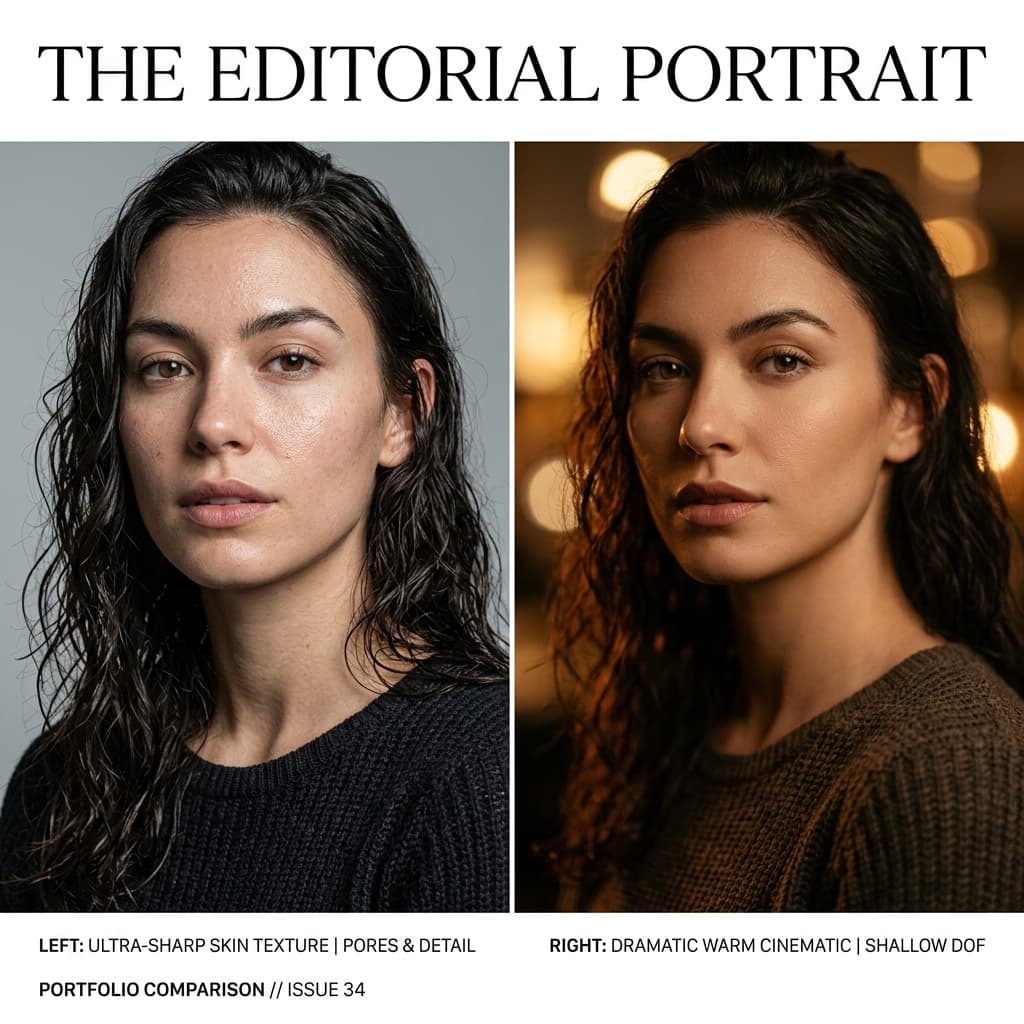
FLUX.1 vs Midjourney v7 for Photorealistic Portraits: Prompt Engineering & Lighting Comparison
An in-depth comparison of FLUX.1 and Midjourney v7 for photorealistic AI portraits. Explore camera syntax, lighting setups, skin texture parameters, and prompt engineering.
iPhone Portrait Mode Tips for Studio Quality Photos
Discover actionable iphone portrait mode tips to elevate your mobile photography. Learn edge separation, focal lengths, and post-editing depth control.
Golden Hour Phone Photography: The Complete Guide
Master golden hour photography with your smartphone. Timing, composition, exposure techniques, and editing tips for warm, cinematic shots.
Film Look Lightroom Presets: Free Pack with Build Notes
Download 5 free film-emulation Lightroom presets with full build notes explaining every slider choice so you can adapt them to your style.